How to check car history: a complete step-by-step guide

Check a vehicle before you buy
Enter a VIN for a free instant preview — accidents, title brands, mileage, liens & open recalls.
TL;DR:
- Conducting a thorough vehicle history check helps identify hidden damage, odometer fraud, and salvage titles.
- Verifying the VIN and reviewing detailed reports from reputable sources inform smarter buying decisions.
- Using reports alongside inspections and seller transparency reduces buying risks and ensures confidence.
Buying a used car is one of the biggest financial decisions you’ll make outside of a home purchase. Yet thousands of buyers in the US and Canada hand over thousands of dollars without ever knowing a vehicle’s full story. Hidden accident damage, rolled-back odometers, and salvage titles can turn a bargain into a money pit within months. A proper car history check puts that knowledge in your hands before you sign anything. This guide walks you through exactly what you need, how to run the check, how to read the results, and what to do when something looks wrong.
Table of Contents
- What you need before checking car history
- Step-by-step process to check car history
- How to read and interpret your car history report
- What to do if you find issues or need more details
- A smarter used car search: Hidden dangers and overlooked opportunities
- Ready for a worry-free car purchase?
- Frequently asked questions
Key Takeaways
| Point | Details |
|---|---|
| Start with the VIN | Collect the vehicle’s VIN and essential info before running any search. |
| Use trusted history providers | Choose reputable services for complete, accurate car reports. |
| Read reports critically | Spot red flags like accidents, rolled-back mileage, and title issues before buying. |
| Don’t rely on one report | Combine history reports with physical inspections and seller questions to avoid surprises. |
What you need before checking car history
Now that you understand why knowing car history is so important, let’s look at what you’ll need to get started. Having the right information ready saves you time and ensures the report you pull is accurate and complete.
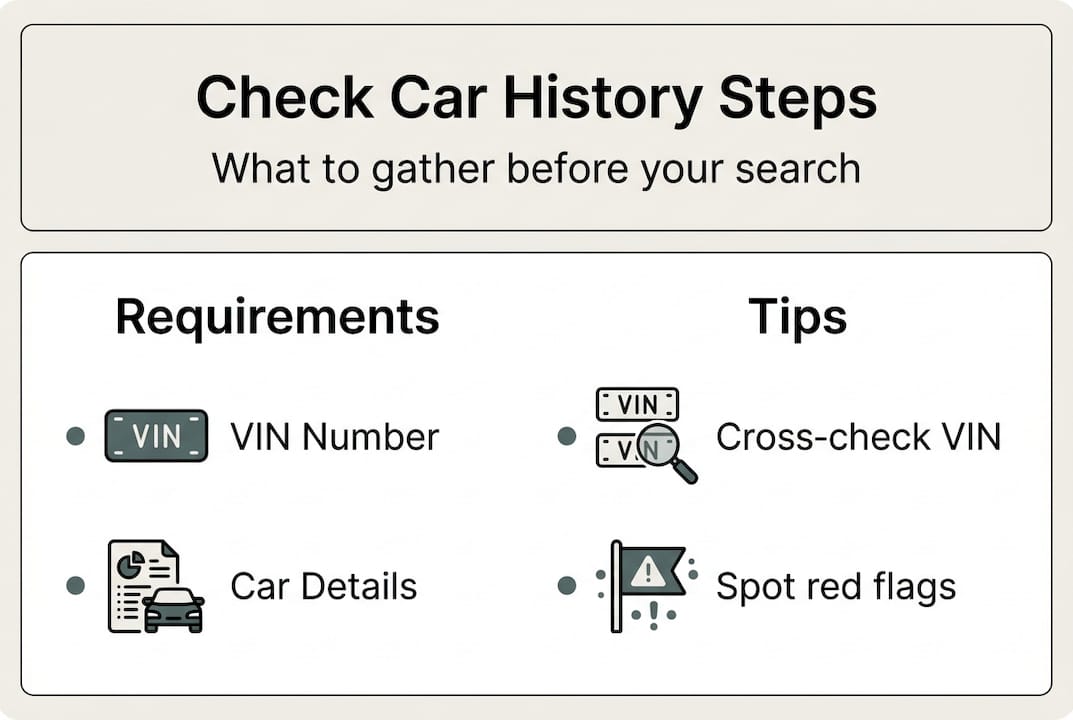
The single most important piece of information you need is the Vehicle Identification Number, or VIN. Think of it as the fingerprint of any vehicle. A car’s VIN is required for a full history check, and no reputable service can give you a meaningful report without it. Beyond the VIN, it helps to have the car’s make, model, and current mileage on hand.
| Requirement | Why it matters | Where to find it |
|---|---|---|
| VIN (17 characters) | Identifies the exact vehicle | Dashboard, door jamb, or title |
| Make and model | Confirms VIN accuracy | Registration or window sticker |
| Current mileage | Helps detect odometer fraud | Odometer display or listing |
| Title document | Shows ownership history | Seller or DMV records |
Accuracy with the VIN is critical. A single wrong digit pulls up a completely different vehicle’s history or returns no results at all. Before you type anything in, double-check the number carefully.
Where to find a car’s VIN:
- Lower-left corner of the dashboard (visible through the windshield)
- Driver’s side door jamb sticker
- The vehicle title and registration documents
- Insurance cards and policy documents
- The engine block (stamped directly on the metal)
- You can also use the NHTSA VIN Lookup tool to verify the number before running a full report
One thing to watch for: tampered VIN plates. If the dashboard plate looks scratched, re-glued, or misaligned, that’s a serious red flag. Legitimate vehicles have VINs that match across all locations. If the numbers don’t match between the door jamb and the dashboard, walk away immediately.
Pro Tip: Cross-reference the VIN on the physical car with the VIN on the seller’s title document before purchasing any report. This one step catches a surprising number of discrepancies. Understanding the vehicle history check basics before you start will also give you a clearer picture of what to expect from the process.
Step-by-step process to check car history
Gathering these details sets you up for a smooth experience. Here’s how to actually check the car history step by step.
- Locate and verify the VIN on the physical vehicle, then confirm it matches the title and any online listing.
- Choose a history report provider. Options include government databases, free services with limited data, and paid services like Vektracer that offer full reports.
- Enter the VIN on the provider’s website. Most platforms return results within seconds.
- Review the report carefully. Scan for accidents, title issues, mileage records, and ownership changes.
- Save or print the report so you can reference it during negotiations or a mechanic’s inspection.
Most car history services use data from insurance companies, police departments, and motor vehicle agencies to compile reports. That sourcing matters because it determines how complete and reliable the information is.
| Feature | Free checks | Paid reports |
|---|---|---|
| Basic ownership info | Yes | Yes |
| Accident history | Limited | Full detail |
| Title status | Sometimes | Always |
| Mileage verification | Rarely | Yes |
| Theft records | No | Yes |
| Safety recalls | No | Yes |
| Market value data | No | Yes |
According to Consumer Reports, a significant portion of used car buyers now use history reports as a standard part of their purchase process. That shift reflects how much awareness has grown around hidden vehicle problems.
Reputable providers to consider include Vektracer (starting at $19.99), government-connected databases through your state’s DMV, and national services. Prices and data depth vary widely, so it pays to compare before you commit.
Pro Tip: If a deal seems too good to be true, check the vehicle’s history through at least two separate sources. Following a car history search step-by-step approach alongside a second lookup adds an extra layer of confidence. You can also review how to check vehicle history for additional guidance on using multiple sources effectively.
How to read and interpret your car history report
After checking a vehicle’s history, you need to know what the results actually mean. A report full of data is only useful if you know which sections to focus on and what warning signs to take seriously.
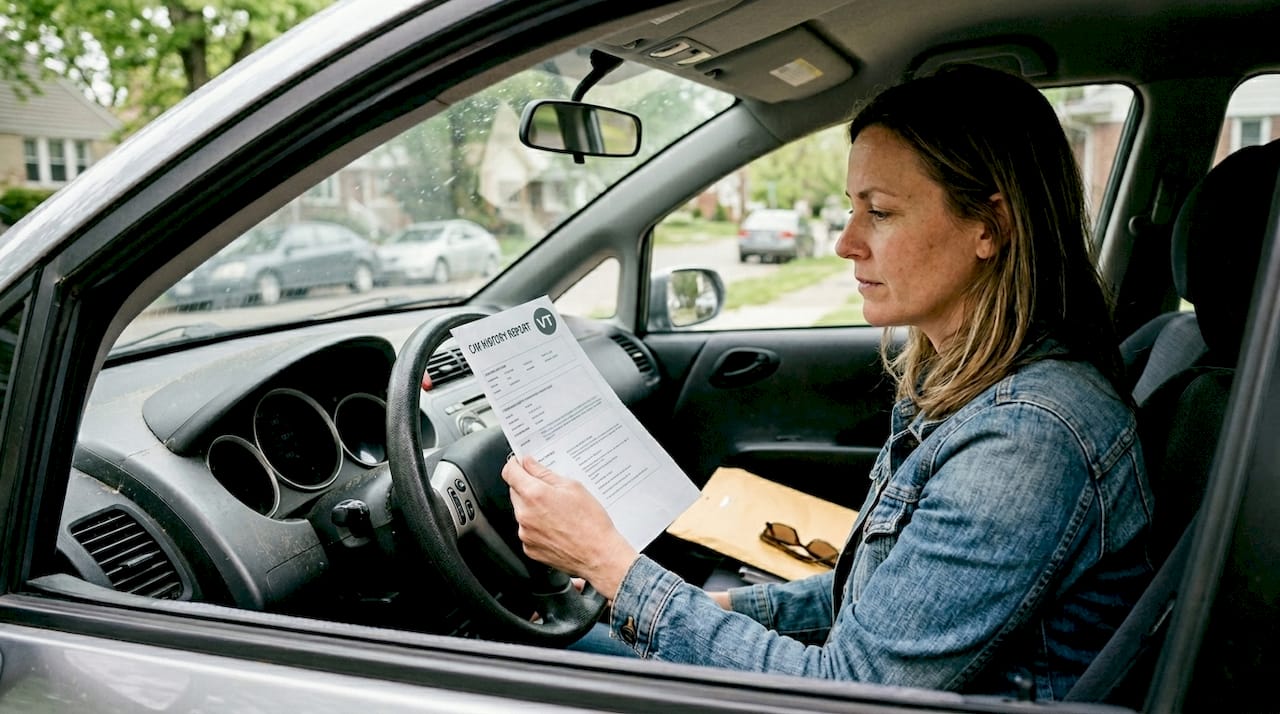
Every solid history report covers four core areas: ownership history, accident records, title status, and mileage readings. Work through each one deliberately rather than skimming to the bottom.
Red flags to investigate immediately:
- Odometer rollbacks, salvage titles, and accident records are the most frequent and costly problems found in car history reports
- Multiple owners in a short period (could signal persistent mechanical problems)
- Title brands like “flood damage,” “lemon law buyback,” or “junk”
- Mileage that decreases between report entries (a clear sign of odometer fraud)
- Long gaps between reported mileage readings with no explanation
- Accidents listed as “major” or involving airbag deployment
- Frame or structural damage noted anywhere in the report
Warning: If a report shows major accident damage, flood history, or a salvage title, the vehicle may have hidden structural or electrical problems that no cosmetic repair can fully fix. Factor repair risks and resale value loss into any price you consider.
When you spot a red flag, don’t panic and don’t ignore it. Your first move is to ask the seller directly for documentation: repair invoices, insurance claim settlements, and inspection records. Cross-reference what they tell you with the report. Tips from the BBB on used car buying consistently recommend getting everything in writing.
For checking car VIN for accidents, pay special attention to whether the repair was performed by a certified shop and whether structural components were involved. A fender bender is very different from a car that needed a new frame.
What to do if you find issues or need more details
Even the best history check sometimes uncovers surprises. Here’s what to do next if that happens.
Additional checks and seller questions can confirm or clarify suspicious history report items. Don’t treat the report as the final word. Treat it as the starting point for a deeper conversation.
Immediate actions when you find a problem:
- Ask the seller for all available repair records tied to the reported incident
- Request receipts showing which shop completed the work and what parts were replaced
- Have an independent mechanic inspect the vehicle, especially around reported damage areas
- Run a second report from a different provider to confirm the data
- Check the vehicle’s current market value against comparable listings to see if the price reflects the history
Steps for disputing errors or requesting more details:
- Note the specific data point you believe is incorrect (VIN, date, mileage reading, etc.).
- Contact the report provider directly through their official support channel.
- Provide documentation that contradicts the report entry (service records, title documents).
- Request a formal review and ask for a timeline on resolution.
- If the error involves a DMV record, contact your state’s motor vehicle agency to file a correction.
Information from usa.gov on buying used cars recommends never skipping a pre-purchase inspection by a licensed mechanic, regardless of how clean the report looks.
Pro Tip: Seller urgency is a pressure tactic. If someone is rushing you to decide before you’ve completed your research, that alone is reason to slow down. A seller with nothing to hide won’t mind giving you time. Learning about getting a vehicle history report and comparing affordable car history reports can help you act thoroughly without overspending.
Know when to walk away. If the title is branded as salvage or flood, if the seller refuses to provide repair records, or if the mileage doesn’t add up, the risk usually outweighs the deal.
A smarter used car search: Hidden dangers and overlooked opportunities
Now that you know the mechanics, it’s worth considering what even the best reports can and cannot do for you.
Here’s the uncomfortable truth: a clean history report is not a guarantee. Reports only capture what was officially reported. A car that was repaired privately after a collision, never filed with insurance, and sold with a clean title will look perfect on paper. That doesn’t mean it is.
Smart buyers use history reports as one layer of a multi-layer process. The report tells you what the records show. A mechanic’s inspection tells you what the car actually feels and sounds like under the hood. A candid conversation with the seller tells you whether they’re being straight with you.
Understanding why vehicle history matters is about more than avoiding bad cars. It’s about having the full picture so you can negotiate fairly, protect yourself legally, and make a purchase you feel confident about for years to come. The buyers who get burned are usually the ones who relied on only one signal, whether that was a low price, a clean report, or a friendly seller. Use every tool available.
Ready for a worry-free car purchase?
If you’re ready to put this guide into action, there’s a straightforward path to a confident purchase.
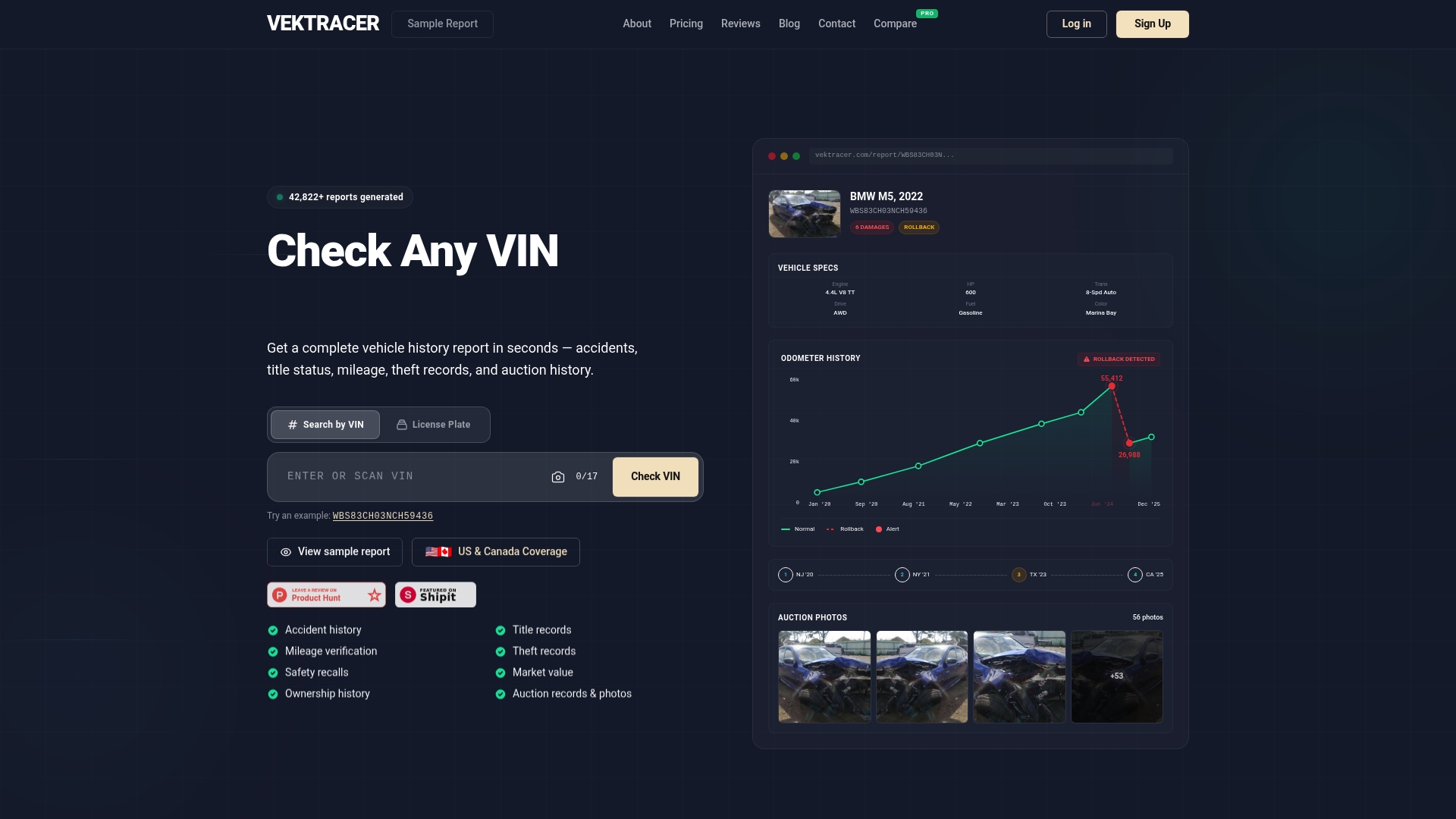
Vektracer makes it simple to get the full picture on any used vehicle. Our reports start at just $19.99 and include accident history, title records, mileage verification, theft checks, safety recalls, and market value data, all sourced from NMVTIS-connected databases. That’s the same core data as Carfax ($44.99) or AutoCheck ($24.99), for significantly less. See how Vektracer works to understand exactly what you’re getting, or review a sample report before you commit. When you’re ready, try Vektracer now and get your report in minutes.
Frequently asked questions
Can I check a used car’s history for free?
Government and industry sites offer basic free data, but full reports with detailed accident and title information typically require a paid service for complete coverage.
What can a car history report tell me?
A history report covers accidents, title status, mileage records, past ownership, theft history, and safety recalls, giving you a clear view of the vehicle’s background before you buy.
Is a clean history report a guarantee of no problems?
No. Reports are reliable but not infallible; privately repaired damage and unreported incidents won’t appear, so always combine report data with a physical inspection.
What should I do if the report shows an accident or other issue?
Following up on red flags is essential: ask the seller for repair records, get an independent mechanic’s inspection, and make sure the asking price reflects the vehicle’s actual condition and history.
Recommended
Ready to check a vehicle?
Enter any 17-character VIN for a free instant preview — no account needed.